
Learn · Article
Reviews Piling Up With No Reply?
When the new-review email lands, get a short reply drafted in your voice. Read it, edit it, and post it yourself.
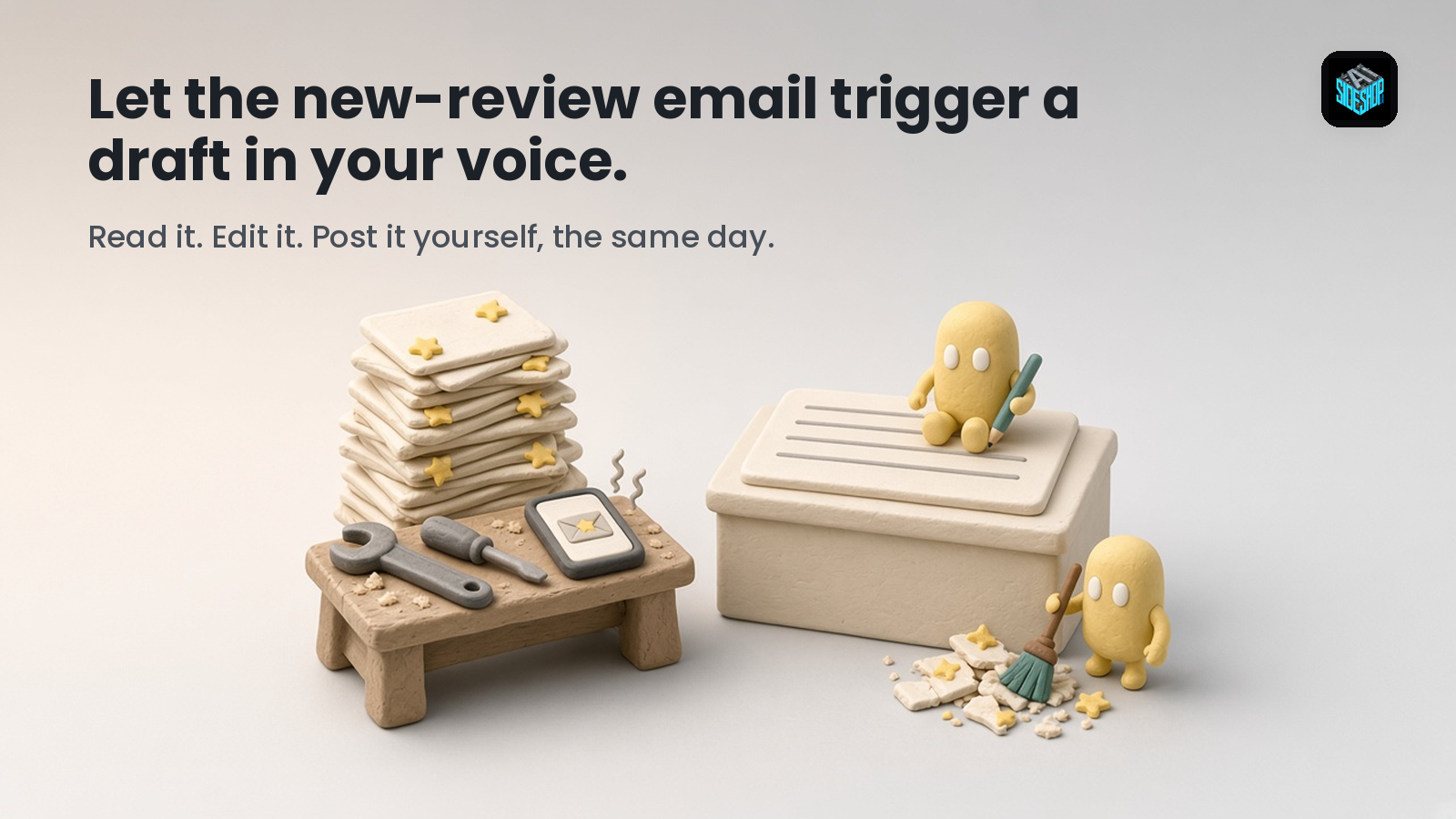
The new-review email shows up while you're on a job. Five stars, a nice note about how fast you fixed the problem. You think, I'll thank them tonight. Tonight turns into Friday. By then there are four more, including a two-star from somebody who waited too long for a callback. That one sits there unanswered for two weeks, right where every new customer can see it.
Or you answer it at 10 PM, tired and a little stung, and the reply comes out defensive. Now that's sitting there too.
That's the slip. Nobody decided to ignore their customers. The reviews just land in the middle of the workday, and the reply gets pushed to a time when you're too busy or too tired to write a good one.
People assume the fix is a better reply template. A template doesn't open the email for you, and it doesn't keep you calm. The useful setup turns that new-review email into a draft while the review is still fresh, written the way you'd write it on a good day.
The review email lands. A draft comes back. You post it.
Set it up once
1. Teach your helper how you sound. Paste in a handful of replies you've written before that you liked, plus a few rules: how you sign off, what number or email unhappy customers should use, and anything you never say in public.
2. Point your helper at the inbox where your review alerts land, a connected mail account the bot can read. Each new-review email triggers a draft. No email alert? Copy or screenshot the review into your chat, stars included.
3. For a happy customer, the helper drafts a short thank-you that mentions one specific thing they said. Not "Thanks for the great review!" for the thirtieth time.
4. For three stars or fewer, it drafts a calm reply: no arguing, no excuses, and an invitation to talk it through by phone or email. It also flags the review: call the customer first, then post.
5. You read it and edit it. Then you post it yourself, from your own account. The helper never posts anything.
One rule matters most: the draft only uses what's in the review and what you've told it. If the reviewer mentions something the helper doesn't know, the draft leaves a "[check this]" note. It never makes up what happened on the job.
One r/smallbusinessowner thread asked how owners keep up with Google reviews, since it seems easy to fall behind. One reply put the cause plainly: "Falling behind usually happens when there's no routine, so keeping it scheduled is the main thing." Others gave the same advice for bad reviews: keep it short and professional, and write it for the future customers who'll read it, not to win the argument.
One r/GoogleMyBusiness thread asked how much time people spend on replies. One estimate: two to five minutes for a positive review, 15 to 20 for a negative one. Another person summed up the grind: writing "Thanks for the great review!" 30 different ways gets old fast. And one warned against letting software cheerfully answer someone who just described a serious problem.
That's the split. The writing and rewording go to the helper. You keep the judgment and the Post button.
Why the draft fixes the right part
The hard part isn't the typing. It's sitting down at the right moment in the right mood. A draft that's already waiting when you pick up your phone removes both problems. You're editing, not starting from a blank box. And a calm draft is easier to keep calm than a reply you write while you're annoyed.
It also keeps the routine honest. Every review gets a draft the day it lands, so nothing piles up for Friday.
At a Dayton repair shop (illustration)
Say a small appliance repair shop in Dayton gets two reviews on a Tuesday.
The first is five stars: the tech showed up on time, and the dryer works again. Between calls, the owner opens the draft waiting for him: "Thanks, [First name]. Glad the dryer's back in business, and thanks for mentioning that we showed up on time." He changes one word and posts it from the parking lot.
The second is two stars: they waited three days for a callback. The draft: "Hi [First name], I'm sorry we were slow getting back to you. That's not the experience we want anyone to have. I'd like to hear what happened. Please call me at [shop number]." It's flagged: call the customer first. He calls and learns the message was written on a sticky note that fell behind the counter. He apologizes, adds that to the reply in his own words, and posts it that afternoon.
Two reviews, answered the same day, in his voice.
What this won't do
It won't post anything. It only sees review alerts that reach the inbox you connected, or the reviews you paste in. It doesn't log in to your review pages. It won't invent facts about the job, offer refunds, or make promises you didn't approve. It can't tell a fair complaint from an unfair one. That's your call, and sometimes the right move is a phone call before any reply at all.
Your first week with Grok Bot
If you're just getting started with Grok Bot, this is an easy job to try first. Each one is small: one review email in, one short draft out. You can see right away whether it sounds like you, and fix it if it doesn't. Add your best edited replies to its examples as you go, and it has more of your voice to work from.
That's advanced intelligence doing the wording while you keep the relationship.
Let the email bring the draft. Read it. Post it before the day's over.